
Business website · Topolowa Medicenter, Kraków · 2026 · 8 months
Topolowa Medicenter - static HTML instead of WordPress
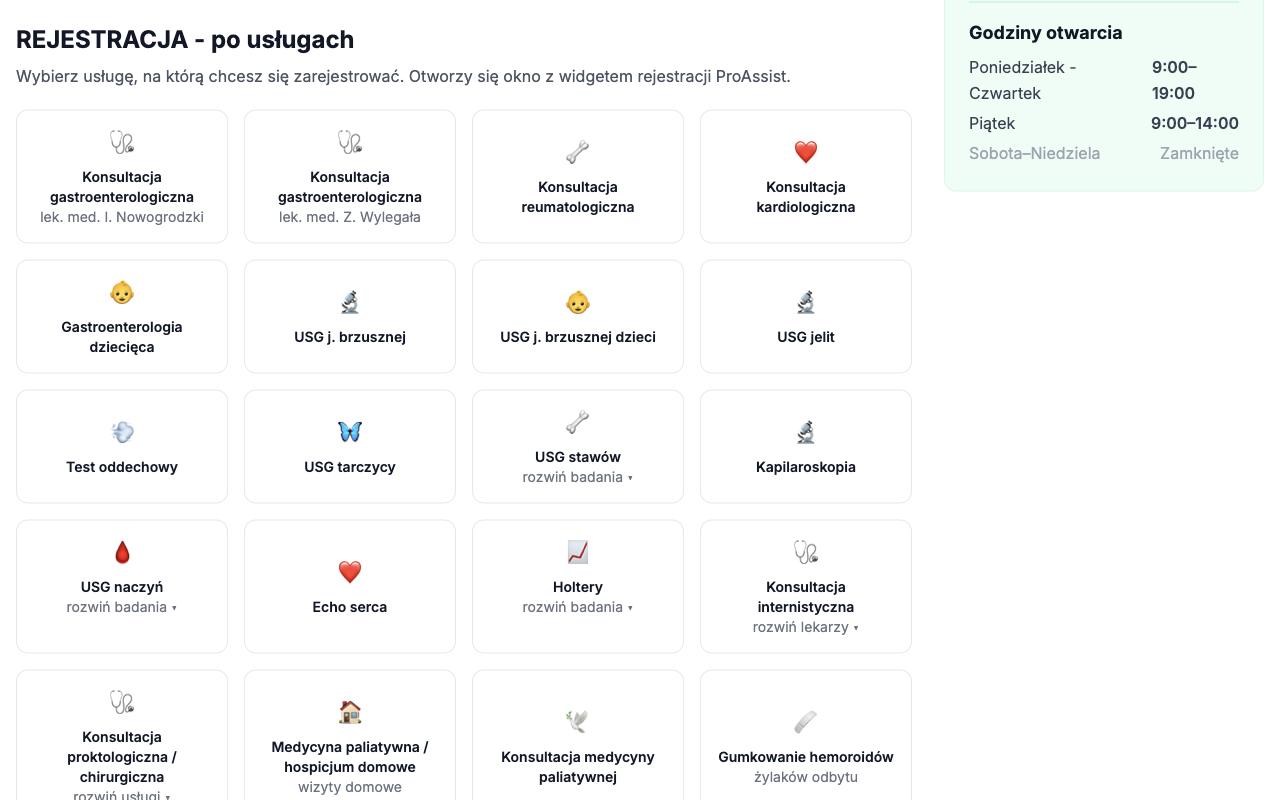
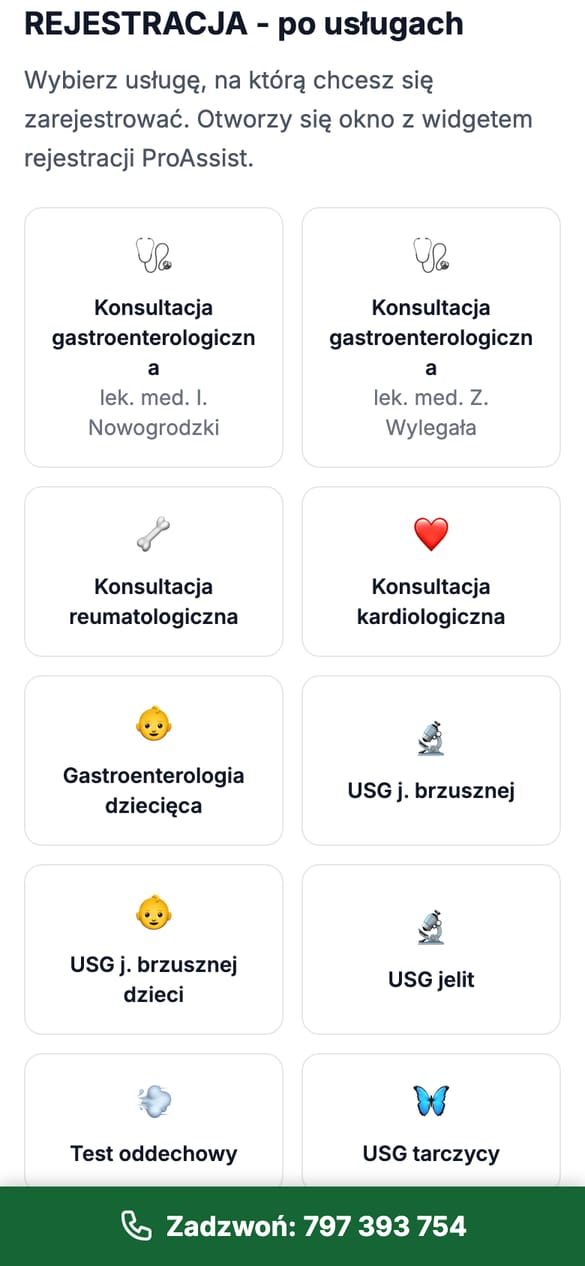
The patient doesn't land on a generic form: the button next to a specific exam opens a booking widget with the doctor and service already chosen, so it is one step from the click to the calendar, not five.
- HTML
- Tailwind CSS
- Vanilla JS
- nginx
- GitHub Actions
- ProAssist
The challenge
The medical centre ran on WordPress 5.9 on shared hosting, with an expired SSL certificate and a renewal cost that never paid for itself. On top of that, the site didn't answer why a patient comes to it at all: to book a specific exam with a specific doctor and find out how to prepare for it. Online booking was one generic widget, in which you had to find the right service yourself among several dozen.
Our solution
We rebuilt the site from scratch as static HTML: 34 subpages, with no database and no admin panel that would need updating. The header, the mega-menu, and the footer live in one JavaScript file injected into every subpage, so changing a phone number is one line, not 34 files. Booking got a grid of services with direct links: every tile opens the ProAssist widget with the doctor and exam already chosen. Deployment goes from the main branch through GitHub Actions to a VPS, with a rollback script and monitoring that checks every 15 minutes whether the site and the certificate are alive.
23 ms
Time to first byte
0.18 s
First contentful paint
34
Static subpages
What we built
- 01 34 static subpages, no database and no panel to update
- 02 A header, mega-menu, and footer from one JS file on every subpage
- 03 Booking with direct links: a service tile opens the widget with the doctor chosen
- 04 Separate preparation pages for six exams, with PDFs to download
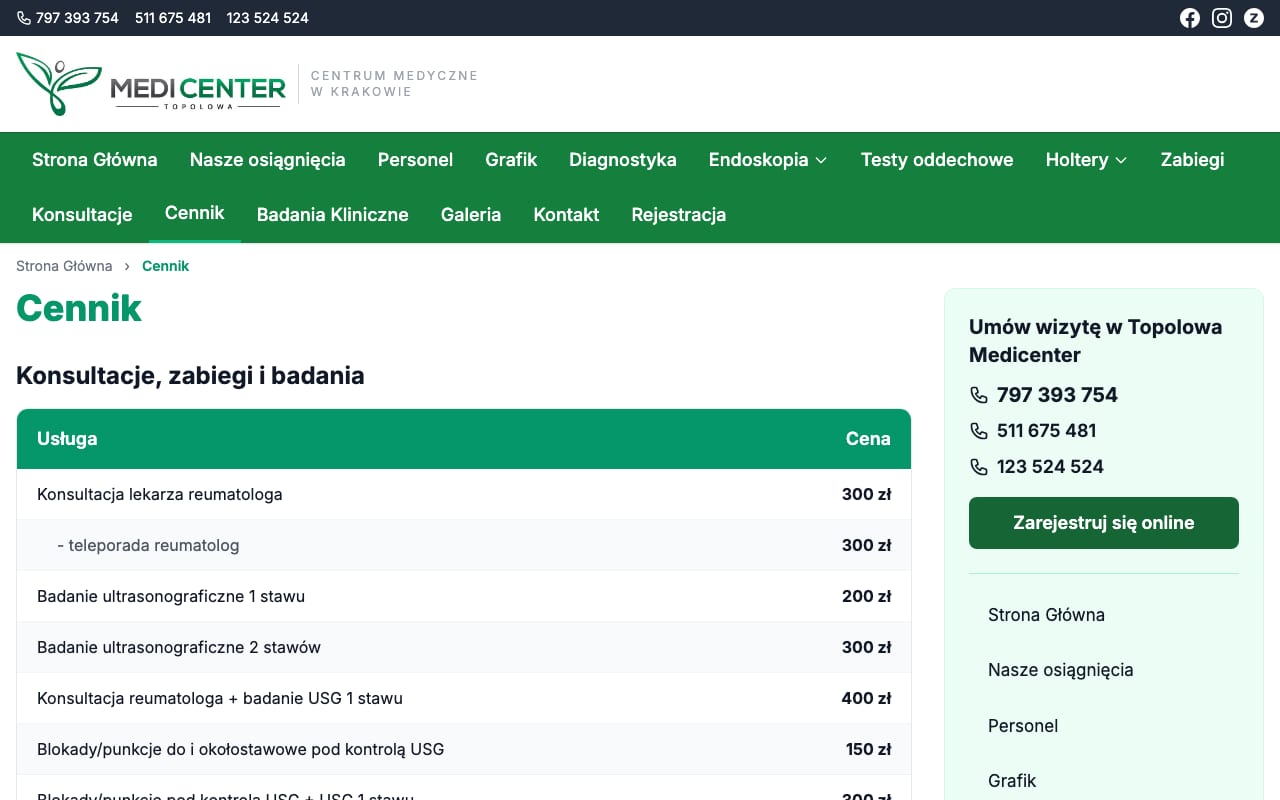
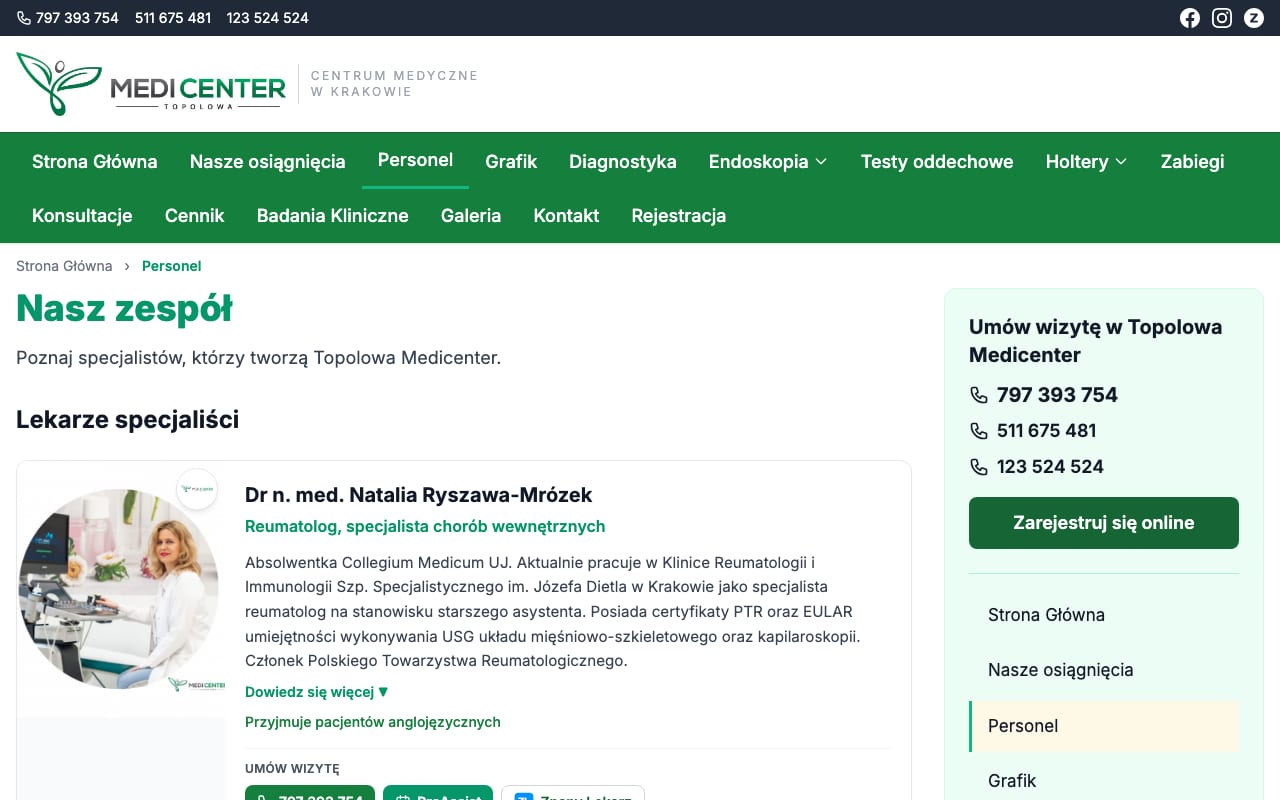
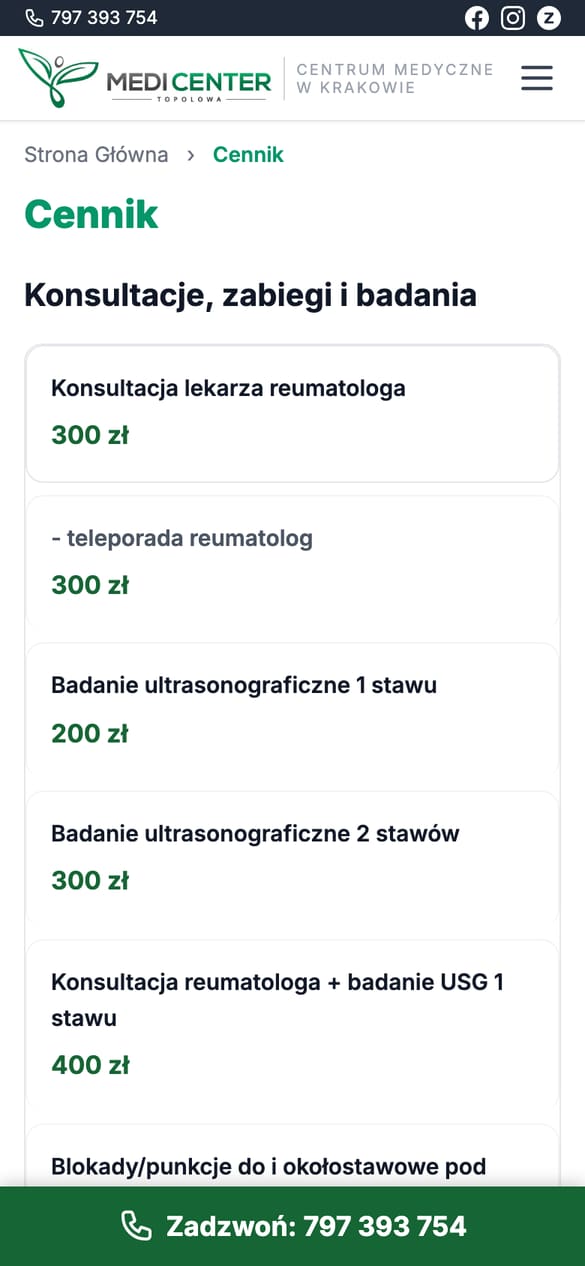
- 05 Prices, the consultation schedule, and doctor profiles as full subpages
- 06 301 redirects from the old WordPress addresses, so no rankings are lost
- 07 Cache-busting of assets with the commit hash on every deployment
- 08 Monitoring every 15 minutes: HTTP 200, the page content, and the certificate's validity
- 09 A rollback script with a database backup and a smoke test before the switch
- 10 A skip link, keyboard support, and aria-expanded in the navigation
- 11 FAQ on 26 subpages, written from the client's answers, with FAQPage structured data
- 12 GA4 started only after consent, and withdrawing consent switches off measurement and clears cookies
Contents +
- Starting point
- Decisions that shaped the project
- A static site instead of another WordPress
- The header and footer in one file
- Booking leads to a doctor, not to a form
- Preparation for an exam as separate pages
- Leaving the old address without losing position
- A deployment that can be reversed
- After launch
- What came out of it
- Technically
Starting point
The old WordPress 5.9 stood on shared hosting with an expired certificate. Renewing the certificate and extending the hosting cost so much that it made more sense to build the site anew than to patch something nobody had updated for years anyway.
But the hosting cost was only a pretext. The real problem was why a patient comes to a clinic’s site. Not to read about the mission and values. They come with one of three questions: how much does it cost, when does this doctor see patients, and how do I prepare for the exam. The old site answered them in passing, incidentally, in paragraphs.
Decisions that shaped the project
A static site instead of another WordPress
A clinic’s site changes a few times a year: the price list, the schedule, a new doctor on the team. That isn’t a load that justifies a database, an admin panel, and monthly plugin updates. The new site is HTML files served by nginx: there is no login, so there is nothing to take over, and no version that goes out of date. It is the same choice we lay out more broadly in the piece on whether to choose WordPress or Next.js (in Polish). Here the answer was neither, because a company website that changes a few times a year doesn’t need either.
It has its price: the client doesn’t edit content herself. In return, there is also no situation in which a plugin that isn’t updated exposes a site with patients’ contact details.
The header and footer in one file
assets/js/components.js renders the header, the bar with phone numbers, the mega-menu, the side panel, and the footer, and each of the 34 subpages has only a <div id="site-header">. Three phone numbers, the opening hours, and the address sit in one place.
The alternative was copying the header into 34 files. That works until the first change of a number, after which three subpages are left with the old one.
Booking leads to a doctor, not to a form
The centre uses the external ProAssist booking system. By default it is embedded as one widget in which the patient looks for their own service on a list of several dozen items.
Instead, the site has a grid of tiles (a gastroenterology consultation with a specific doctor, an intestinal ultrasound, a breath test, capillaroscopy), and each tile holds in data-widget-path the path to the widget with the doctor and exam already chosen. A click opens a modal right on the calendar of dates. The same direct links lead from the exam subpages, so someone reading about a gastroscopy books a gastroscopy without going back to the “Booking” tab.
The cost of this decision: the service identifiers come from the ProAssist panel and have to be refreshed after a price list change. That is described in a comment by the grid, because it is the only place in the project that needs manual synchronisation with the external system.
Preparation for an exam as separate pages
A patient before a colonoscopy isn’t looking for a clinic. They have already chosen one and are now looking for instructions: what to eat, when to stop, what to bring. That is why the preparations for exams have six subpages of their own and PDFs to print, instead of one collective page with expanding sections. Each preparation has its own address that can be sent by SMS when confirming the visit.
Leaving the old address without losing position
The old WordPress had addresses like /personel/, and the new site is .html files. nginx/tmedicenter-redirects.conf holds the full set of 301 redirects, so no link from Google or a business card ends in a 404. It is exactly the point from the technical SEO checklist for a company site (in Polish) that is easiest to skip during a migration.
A deployment that can be reversed
A push to main starts GitHub Actions: the workflow replaces ?v= in every HTML file with the commit hash and sends the files by rsync to the VPS. Cache-busting by SHA means a patient never gets a new HTML with old CSS from the browser’s memory.
On top of that come two things a static site usually doesn’t have: scripts/rollback-to-static.sh makes a backup of the database and files before switching the vhost and ends with a smoke test, and scripts/check-tmedicenter.sh runs from cron every 15 minutes and checks whether the site returns 200 with sensible content and whether the certificate expires within 21 days. The alert goes by email and only on a change of state, so it doesn’t turn into background noise.
After launch
The site didn’t end on the day the domain was switched. In September, three things were added.
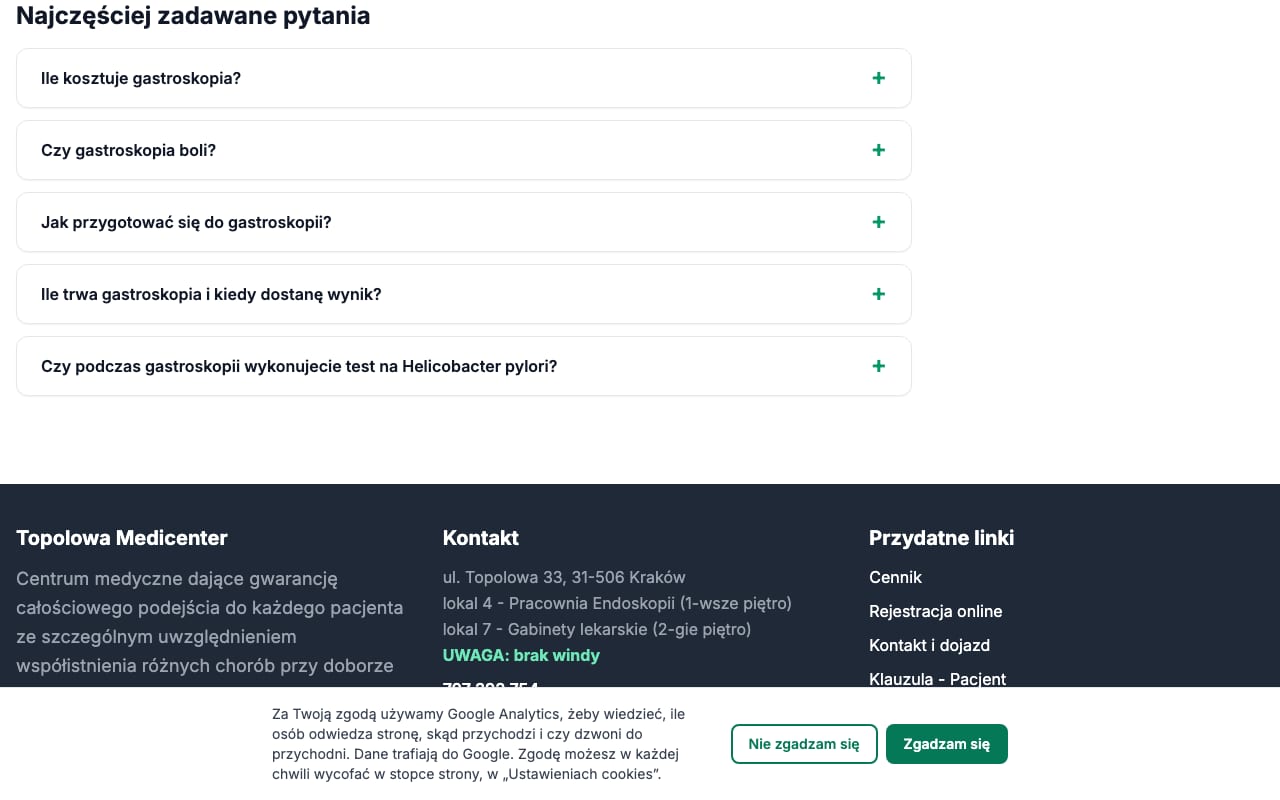
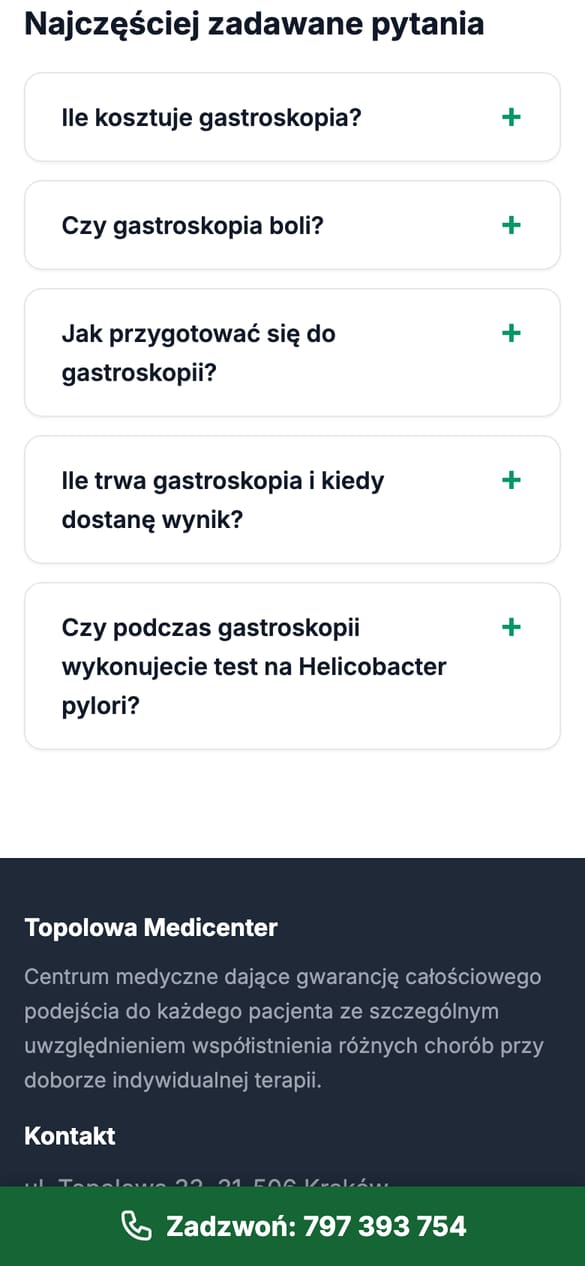
An FAQ on 26 subpages. The client wrote the answers. Every exam subpage has its own question section, marked with FAQPage structured data, and the answers about booking link to the clinic’s profile on ZnanyLekarz.
Measurement in line with the user’s choice. GA4 starts only after consent in the banner. Withdrawing consent first switches off measurement and only then deletes the cookies, so nothing gets sent between the two steps. A visit to the booking page counts as a conversion once, not at every refresh.
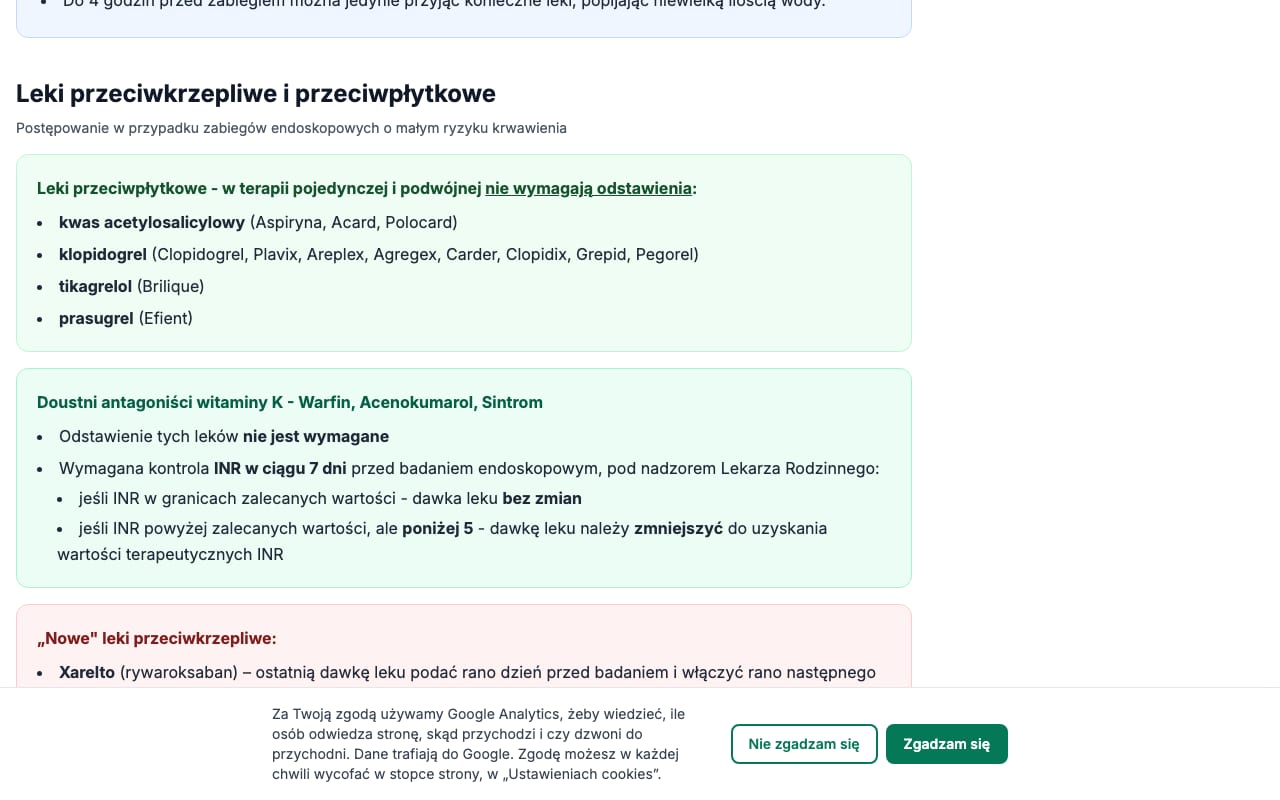
Medical content 1:1 from the clinic’s documents. Guidance on anticoagulant medication before a gastroscopy and a colonoscopy, a note for diabetics before the breath test, leaflets for printing. Changes go in verbatim from the files the client sent, without editing on our side, because with instructions before a procedure every word counts.
What came out of it
Homepage measurement from 13 September 2026, headless Chrome 1366×900, no cache: 23 ms to first byte, 0.18 s to first contentful paint, the fastest FCP of our last three projects. After that it gets worse: 1.38 s to the load event and 52 requests (three documents, seven stylesheets, twenty-one images, seven JavaScript files, and fourteen fonts), 1,323 kB of transfer in all.
We don’t pretend these are good numbers. Fourteen font files per visit and 1.38 s to the load event are headroom, not a success, and we know exactly where it comes from: the header and mega-menu rendered from one JS file load the full set of fonts and graphics at once, regardless of which subpage someone opened. That is exactly the case from the Core Web Vitals checklist (in Polish): font subsetting and later loading of images outside the first screen.
What we don’t know: what result the old WordPress would have had in the same measurement. The certificate expired before anyone measured it, so there is no reference point, and we don’t estimate one. This is one synthetic measurement from one machine, not data from the traffic of real patients.
Technically
Static HTML, Tailwind CSS from a CDN plus our own stylesheet for what the utility classes don’t handle. Two JavaScript files with no framework: components.js for the shared parts of the layout, navigation.js for the hamburger, the dropdown menu, and keyboard support. nginx on an OVH VPS, deployment from main through GitHub Actions, monitoring and rollback in the repository, not in someone’s head or in notes on the server.
Screenshots




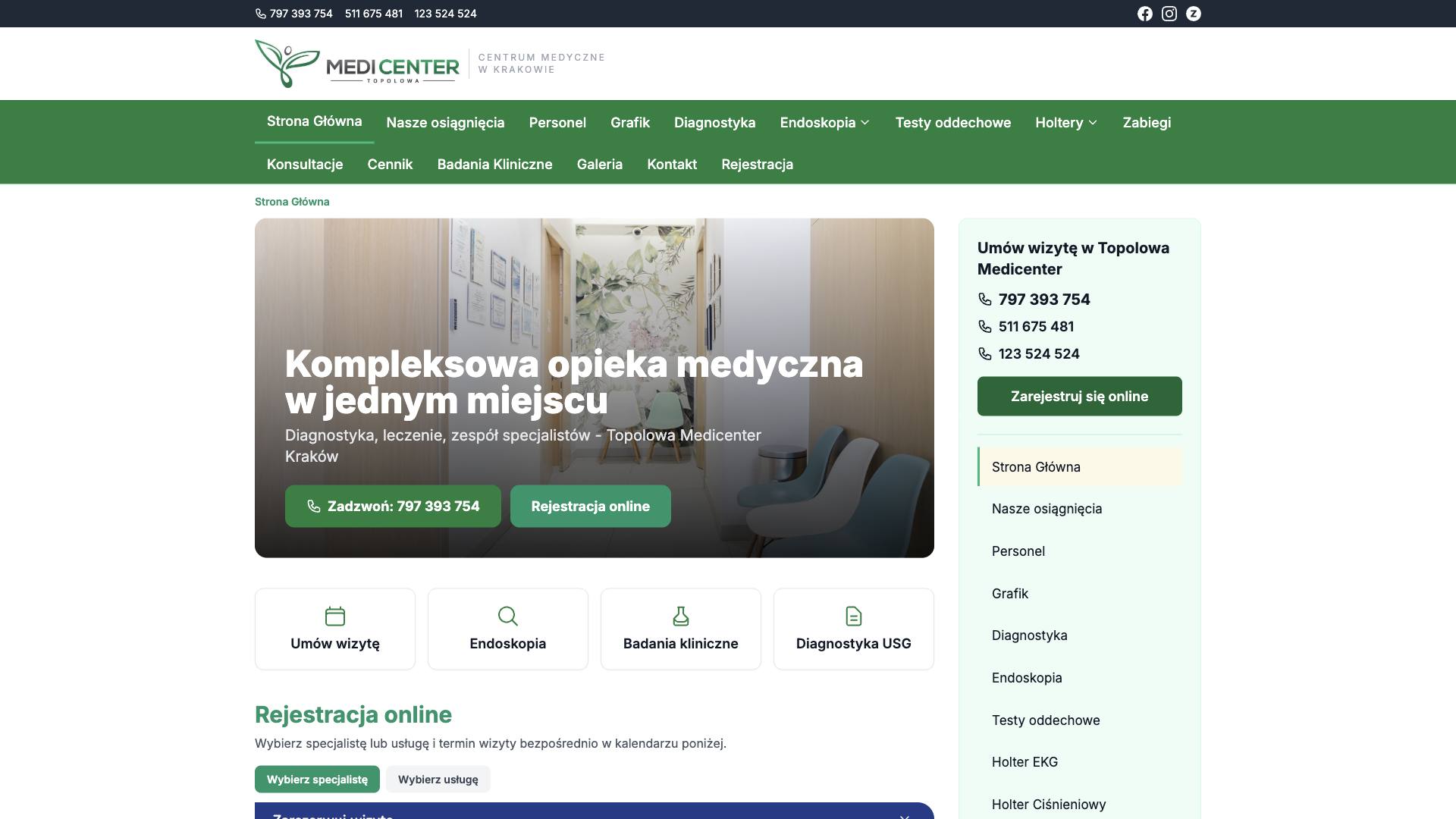
The homepage: the first screen with two buttons and a side bar with phone numbers and booking, visible on every subpage.
A similar problem to solve?
Tell us briefly what it is about. We will send a quote within 24 hours.
Ask for a quote →