
SaaS · FakturaXL · 2026 · 2 weeks
FakturaXL - API integration: CSV export and UBL 2.1 invoices
The API allows one request every ten seconds, and products and stock levels sit in separate endpoints. The tool pages through everything, waits where it has to, and returns one file with the product and quantity on the same row.
- PHP
- XML API
- Vanilla JS
- CSV
- UBL 2.1
- Peppol BIS Billing 3.0
The challenge
The invoicing program holds invoices, a product catalogue, and stock levels, but getting them out is a separate matter. The API returns products and stock levels from two different endpoints, each paginated, and the limit allows one request every ten seconds. A catalogue of a few hundred items means several minutes of polling, during which the interface can't stay silent, because the user can't tell whether anything is still working.
Our solution
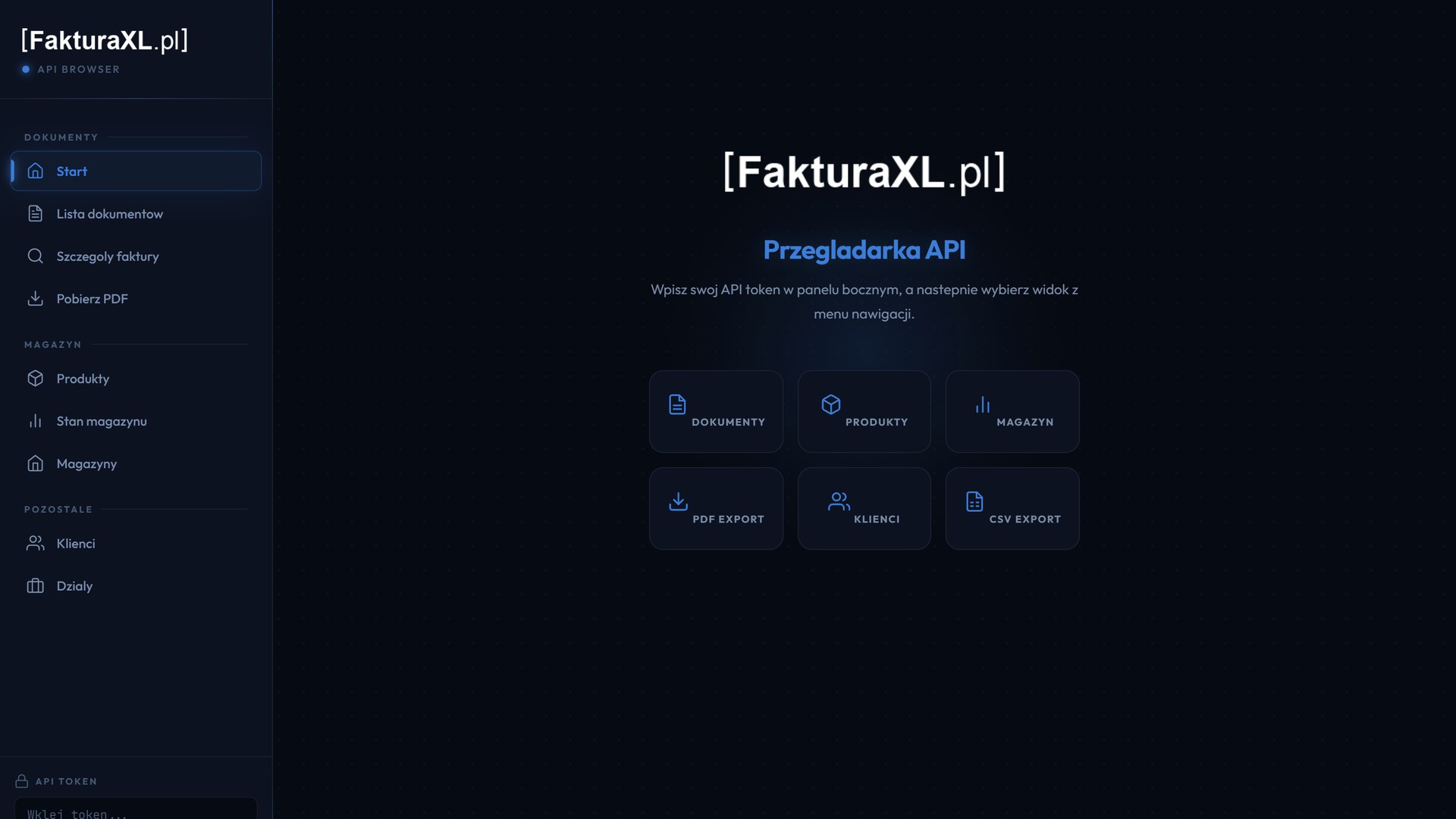
We built a single-file PHP app with its own browser interface: invoice browsing with filters, document details, PDF download, clients, warehouses, and departments. On top of that sits an export that pages through every products and stock page, respects the request limit, retries after a rejection, and joins both lists into one CSV with the product and quantity on each row. Zero external dependencies: it starts on PHP's built-in server.
1
App files
0
External dependencies
CSV and UBL 2.1
Export formats
What we built
- 01 Invoice preview with filters by date, type, and payment status
- 02 Document details with line items and PDF download
- 03 Products, stock levels, clients, warehouses, and departments
- 04 CSV export of products joined with stock levels
- 05 API limit handling: gaps between requests, a retry after a rejection
- 06 A progress bar for an export that runs through a dozen-plus pages
- 07 A map of API response codes instead of raw error numbers
- 08 Dark and light theme, a layout that collapses to one column on a phone
- 09 One PHP file, zero dependencies, started through the built-in server
Contents +
Starting point
The data is in the invoicing program, but it can’t be taken out in the form someone outside needs: a spreadsheet with products and the current stock level. The program shows both, but in separate views.
The API puts up two obstacles at once. Products and stock levels are two endpoints, each returns data in portions, page by page, and the limit allows one request every ten seconds. Collecting the full catalogue therefore means a dozen-plus minutes of patient polling, not a single call.
Decisions that shaped the project
One file instead of a project
The backend, styles, and the whole interface sit in a single index.php. No framework, no installation, no folder of dependencies: it starts on PHP’s built-in server and works. A tool used a few times a month can’t require you to remember how to set it up. Like our other web apps, it was built for one specific task, not to show off technologies.
The request limit as part of the design, not a failure
Ten seconds between requests is a planned boundary condition of the export. The export waits between pages, recognises a “limit exceeded” response, and repeats the request after an extra pause instead of stopping with an error. The whole time it shows which page it is on.
The alternative, hammering the API until it gives, ends with a blocked token and an export cut off halfway. This kind of work, going through dozens of API pages instead of clicking by hand in the panel, makes sense as automation, not as one more task on the monthly to-do list.
Joining two lists on the right key
A product and its stock level have to be matched by identifier, not by name or position in the list. Zero units is saved as zero, not as an empty field. In a spreadsheet that is the difference between “not in stock” and “unknown”. When a page of products has not a single match on the fetched page of stock levels, the interface offers to search the remaining pages instead of showing an empty table.
Error codes translated into sentences
The API answers with numbers. The app keeps a map of those codes and shows “invalid token” or “request limit exceeded, wait a moment”, because the message code=3 tells the user nothing about what to do.
Part two: the structured invoice
A separate thread for the same client was exporting an invoice to XML in the UBL 2.1 standard, in the Peppol BIS Billing 3.0 profile. The file either passes the standard’s validation or is useless. There is no “almost compliant” version.
The job was to go field by field through the standard’s requirements: profile identifiers, scheme codes for tax numbers, a NIP with a country prefix where the standard demands one and without it where it doesn’t. The identification and tax sections disappear when the counterparty has no NIP, instead of going into the file filled with just a country prefix. An empty field is always better than a field with something that only looks like data. We added payment data with the account number, a separate recipient address for when the goods go elsewhere, and three rates (exempt, not subject to tax, and reverse charge) which in this standard are not percentages but separate tax categories.
Every version of the file went through the external Peppol validator, not through “looks fine”.
What came out of it
We can’t make a table of measurements here. FakturaXL has no public address, so measuring a site is impossible, and we don’t know the data from the client’s production (how many times the tool ran an export, how long it took on the full catalogue). What is left is the qualitative effect: an export of products and stock levels that used to need manual passes through two separate API views is now one run and one CSV file. An invoice in UBL 2.1 passes the Peppol standard’s validation instead of coming back with a list of errors.
We don’t know how much time this really saves the client. We didn’t measure the process before the integration, and we have no access to the logs from his production.
Technically
PHP 8 with curl and simplexml, API communication over POST with an XML body, the front end as a SPA in plain JavaScript in the same file. The CSV export uses a semicolon as the separator, so a spreadsheet opens it without fiddling with the import. The UBL generator is a separate PHP script on the program’s side, checked against the standard’s official examples and against invoices with real data.
Screenshots
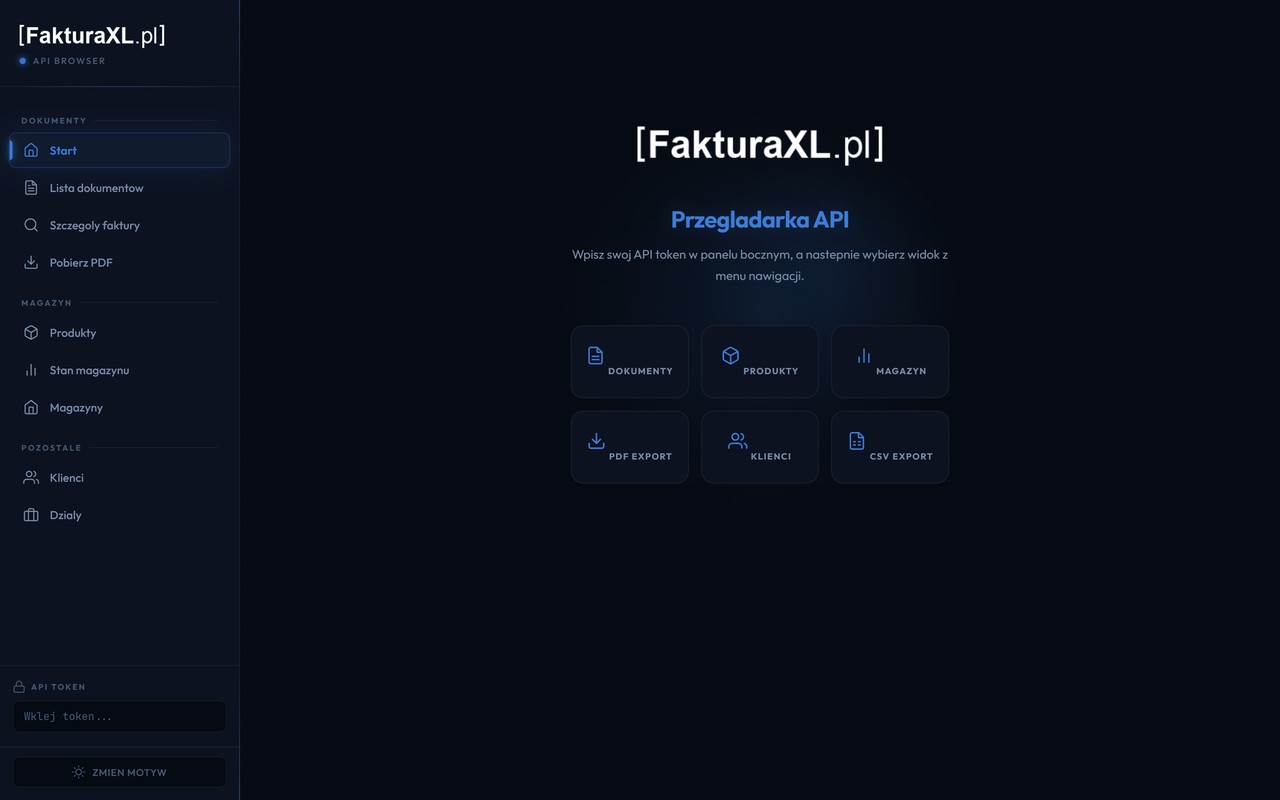
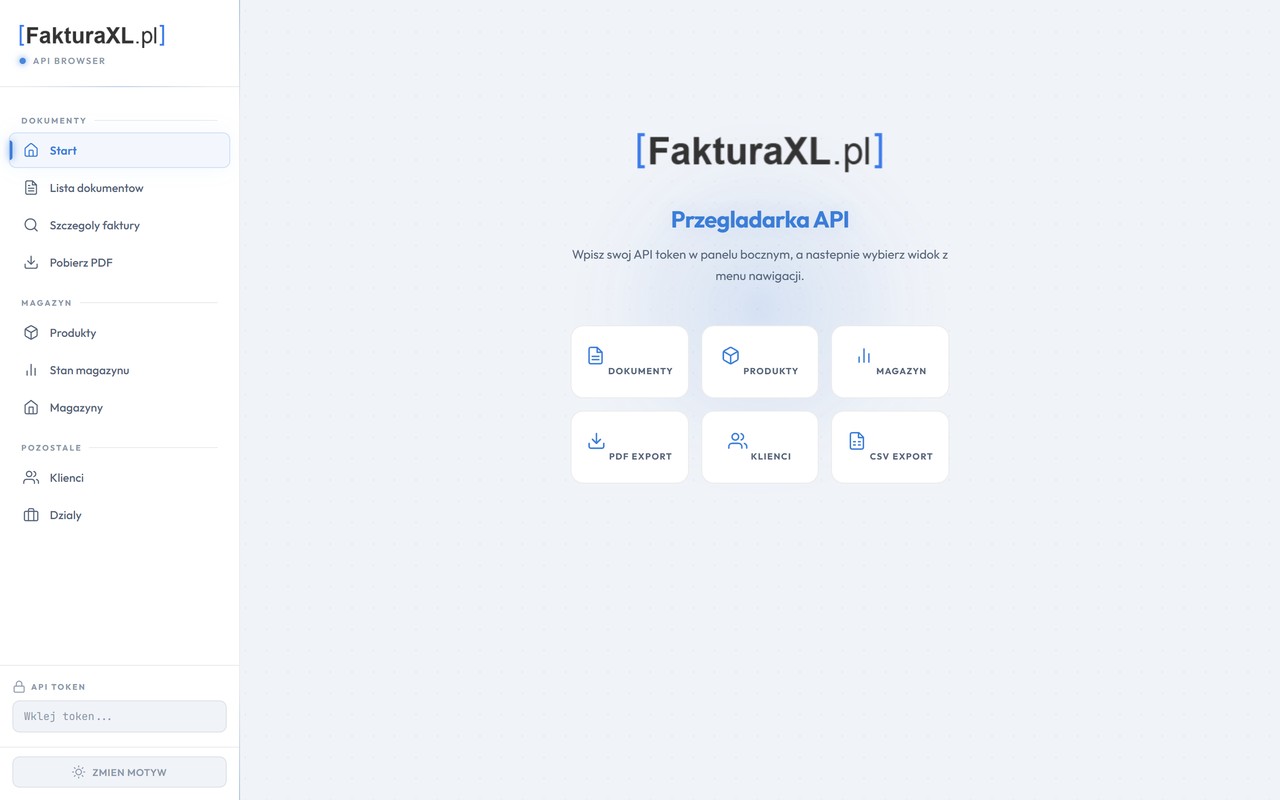
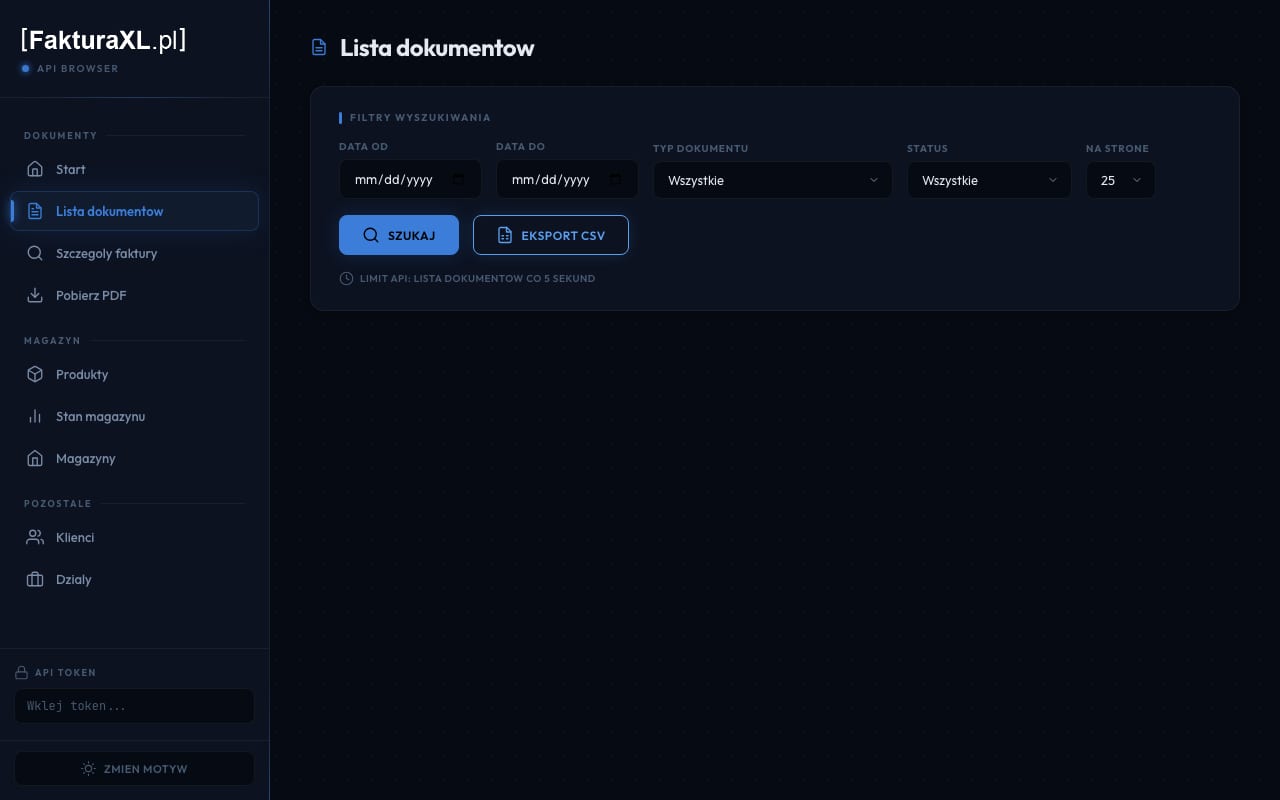
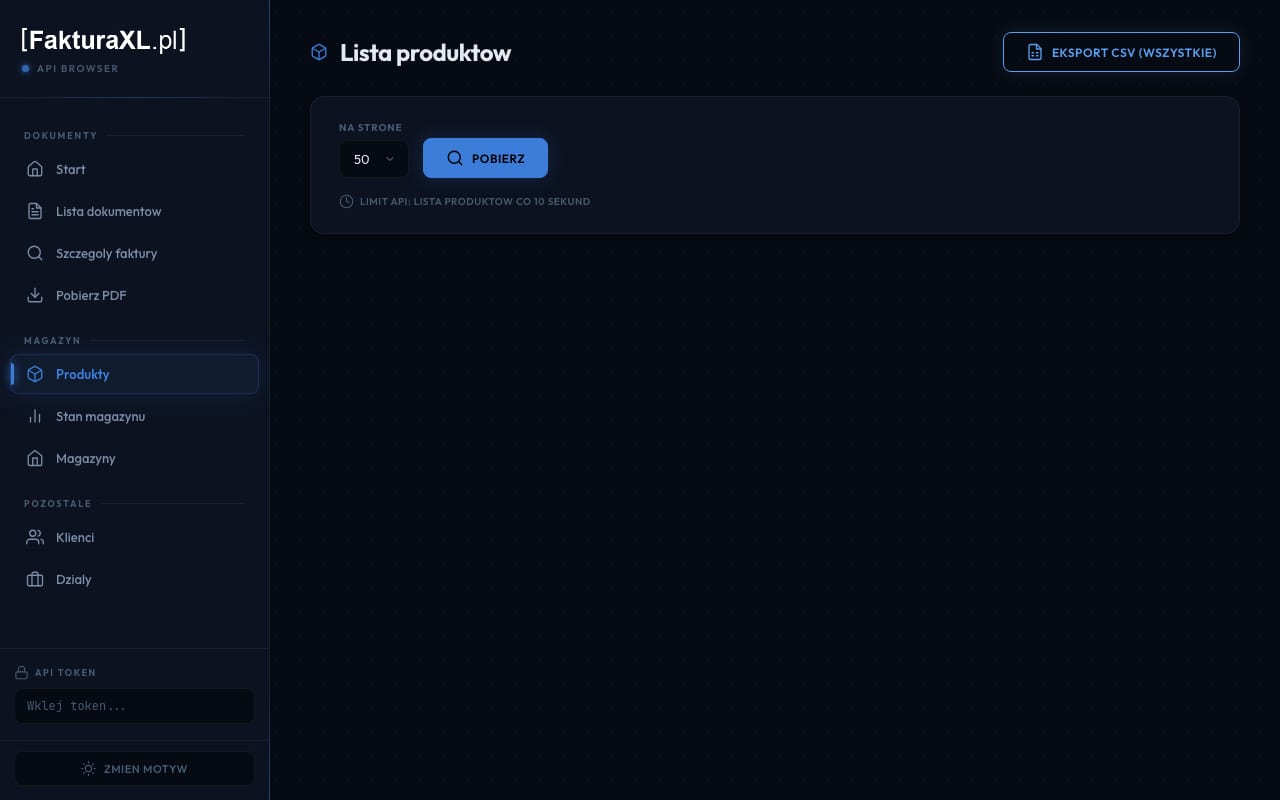

The start screen: navigation split into documents, warehouse, and other data, with the token entered once in the side panel.
A similar problem to solve?
Tell us briefly what it is about. We will send a quote within 24 hours.
Ask for a quote →