
SaaS · getlazyposting - own product · 2026 · 2 weeks to launch on its own domain, then developed
getlazyposting - a post generator that publishes to Instagram
One sentence as the topic, about a minute of waiting, and a finished carousel with photos, a caption, and hashtags. The panel reads the company's website and logo by itself, and at the set time it publishes the post with no Postiz and no external scheduler.
- Python
- Flask
- Gemini
- Nano Banana
- Gemini TTS
- Meta Graph API
- Remotion
- React
- ffmpeg
- Pillow
- Docker
- Caddy
The challenge
A small business that wants to post carousels on Instagram regularly needs a graphic designer for it, a copywriter, and someone who remembers the publishing time. Off-the-shelf AI generators give posts that at once look as if a machine made them: foreign colours, random photos, English phrases dropped in. On top of that, publishing has to be set up in a separate tool anyway. We wanted one panel that does everything from the topic to the published post and looks like the client's brand, not like a template.
Our solution
A Python app (Flask) with a background task queue. Gemini plans the post and writes the texts, Nano Banana generates a photo for each slide, and the first slide serves as the style reference for the rest. When a brand is created, the panel reads its website (text, colours from the CSS, logo, links to social media) and searches Google for what the internet knows about the company. A built-in scheduler publishes the carousels through Meta's official Graph API. Reels are put together by Remotion, optionally with an AI voice-over and music. The whole thing runs in Docker on our VPS behind Caddy.
2 weeks
From generator to its own domain
about 1 min
Time to generate a carousel
10
Visual themes for posts
PLN 0
Starter plan
What we built
- 01 A carousel from one topic: a slide plan, texts, photos, a caption, and hashtags
- 02 5 proposals for the opening sentence of the first slide: the model picks the best, and the rest can be swapped in the editor
- 03 A brand profile built automatically from the company's website, logo, social media, and Google results
- 04 10 visual themes for posts, with a theme change in the editor at no API cost
- 05 Fixing a single slide: the text, an AI rewrite, a correction, or a new photo, with undo
- 06 A calendar with drag-and-drop posts and automatic scheduling, for example every 2 days at 18:00
- 07 Publishing to Instagram and Facebook through Meta's Graph API, with no external scheduler
- 08 A preview link that looks like an Instagram post, for the client's approval
- 09 9:16 reels: from a finished carousel, animated in Remotion, or a montage of your own recordings picked by AI
- 10 An AI voice-over (Gemini TTS) matched to the editing style and a music library
- 11 An auto-blog: an SEO article from a topic or from a finished post
- 12 A price estimate at every AI button, calculated from the real costs of earlier operations
- 13 An admin panel: API costs with a hard limit, users with limits, an activity log, a backup
- 14 A product page with PLN 0 / 59 / 179 pricing, examples from the panel, and an FAQ, rebuilt from the panel
Contents +
- Starting point
- Decisions that shaped the project
- The brand’s style collected automatically
- The first slide as the pattern for the rest
- Fixing one slide, not the whole post
- Our own publishing instead of an external scheduler
- The cost visible before the click
- Reels in code
- What came out of it
- Technically
Starting point
At the start there was a script. generate_slideshow.py took a topic from the command line, asked Gemini for the text of the slides, and put a carousel together from them. It did what it was meant to do, but only someone who opens a terminal could use it. And there was nothing that would publish such a post.
getlazyposting is the same engine enclosed in a product: a panel in the browser, a calendar, an editor, publishing, and a page where you can sign up. The goal was simple. A cafe owner types “3 mistakes when brewing coffee”, a minute later has a finished carousel in the colours of their brand, drags it to Thursday, and doesn’t think about it any more.
Decisions that shaped the project
The brand’s style collected automatically
The weakest point of AI generators is that every post looks the same. So when a brand is created, the panel reads its website itself: the text of the homepage and of subpages like “about us” or “offer”, colours taken from the CSS files, the logo, photos, links to profiles, and JSON-LD data. Then it asks Gemini with Google search what the internet knows about the company: reviews, prices, location, style of communication. From that comes a brand brief that goes into every following post. The owner doesn’t have to fill in anything, and can correct every field.
The first slide as the pattern for the rest
The photos are generated by Nano Banana from prompts describing the object, the action, the background, the composition, the camera, and the light. The photo of the first slide goes as the reference for the next ones, so the carousel keeps one light and one palette, instead of looking like six pictures from six different photo banks. The model proposes five versions of the opening sentence for the first slide and picks the strongest itself. The other four wait in the editor, in case the owner prefers a different one.
Fixing one slide, not the whole post
The most common request after generating a post is “this one slide is bad”. The editor changes only that slide: the text, an AI rewrite, a correction of the photo such as “remove the hand from the frame”, or an entirely new photo. Every change saves a version, so “Undo” always goes back to the previous one. The visual theme changes at once, without calling the API again, because the text is laid over the photo locally in Pillow.
Our own publishing instead of an external scheduler
We could have plugged in Postiz or another scheduler. We chose Meta’s official Graph API and a scheduler of our own in the app. The client pastes a token, the panel finds its Instagram and Facebook accounts by itself, and an enabled post goes out at its time. If the server wasn’t running at the moment of publishing, the overdue posts go out right after it starts. One tool less is one account less to pay for and one place less where something can drift apart.
The cost visible before the click
Every button that calls AI shows the estimated cost of the operation. At the start the estimate comes from the model price list, and after two generated posts it is the median of the real costs of the latest operations. In the admin panel you set a monthly spending limit, and a hard limit blocks generating before the API bill outgrows revenue. With a product that has a PLN 0 plan, that is a condition of survival, not an extra.
Reels in code
The animated reels are put together by Remotion, which is React rendered into video. Thanks to that, the style of the reels (glass cards, typed text, counters, checklists) is a component that can be fixed like any other code, and the preview in the panel uses the same source as the final render. The voice-over is Gemini TTS with a voice matched to the editing style. When your own recordings are edited, the AI watches the clips, picks the best moments, and makes subtitles from what you say.
What came out of it
From the start getlazyposting has run on its own domain: with a site, pricing, a panel, publishing, and reels. To date the repository has 68 commits and 19 changes made through pull requests.
A carousel is created in about a minute. The Start plan lets you try the product for PLN 0 (one brand, 8 carousels a month), Pro costs PLN 59, and Agency PLN 179 a month with no limit on brands.
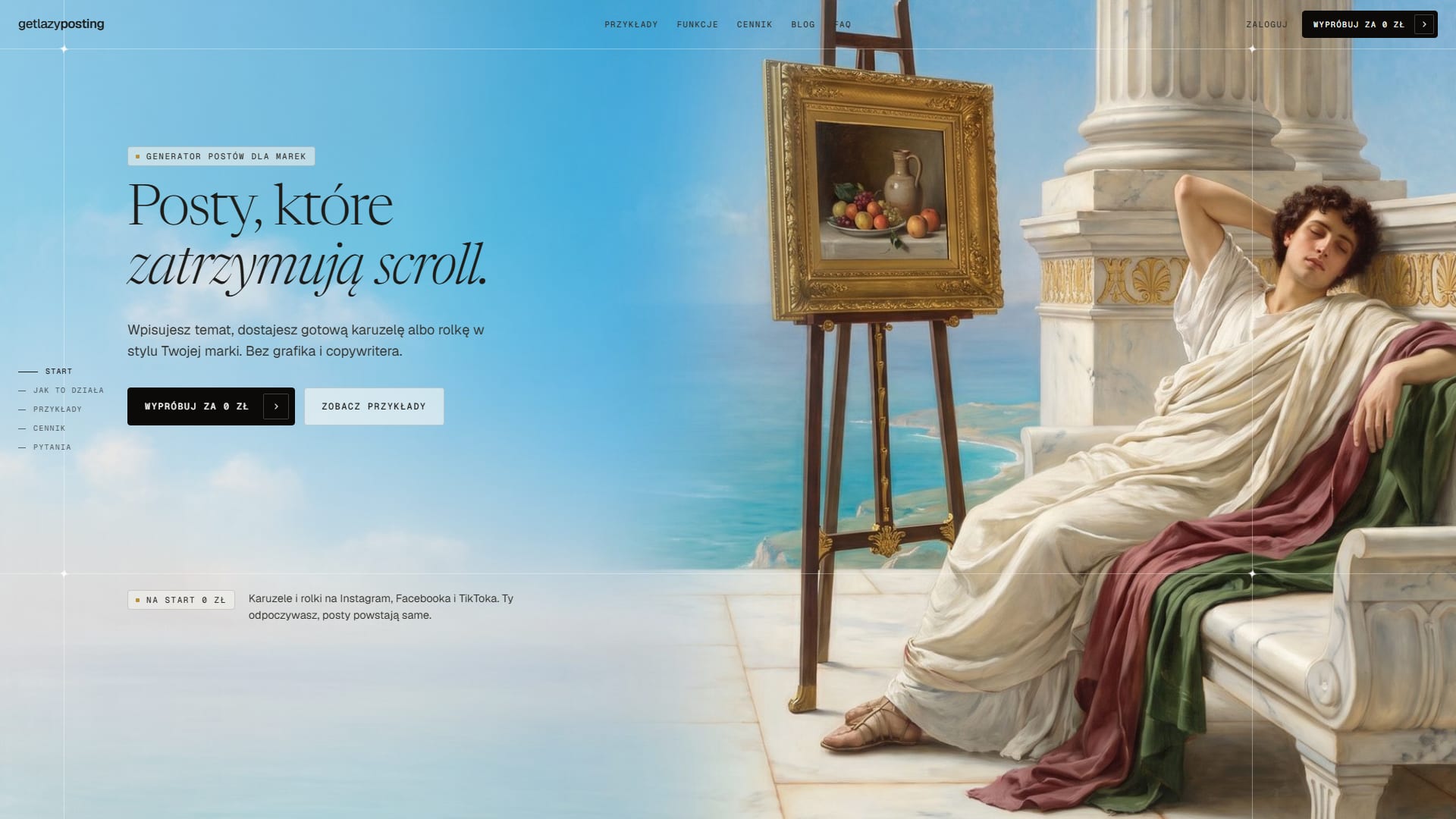
The product page departs from how the pages of AI tools usually look. Instead of phone mockups there are oil paintings and halftone transitions, and the serif typography brings film to mind, not a dashboard. The examples on the page come from real posts generated in the panel.
Technically
The backend is one Flask application with a background task queue, so generating doesn’t block the panel and you can do something else in the meantime. Gemini handles planning and the texts (with limited “thinking” where it isn’t needed, and a cheaper model for small tasks), Nano Banana the photos, and Gemini TTS the voice-over. Reels from a carousel are put together by ffmpeg, and the animated ones are rendered by Remotion. The product page is built by our own generator in Python from one JSON file, which is edited in the admin panel.
The app stands in a Docker container on the same VPS as the whywepray store. Traffic is taken by Caddy, and the data (posts, brands, Meta tokens) lies outside the code directory, so an update is a git pull and a rebuild of the container. Login locks the account for 10 minutes after five failed attempts, and every action goes into the activity log.
If you are thinking of a web app that connects AI with your processes, it is the same set of decisions: costs under control, one tool instead of five, and a result that looks like your company.
Screenshots
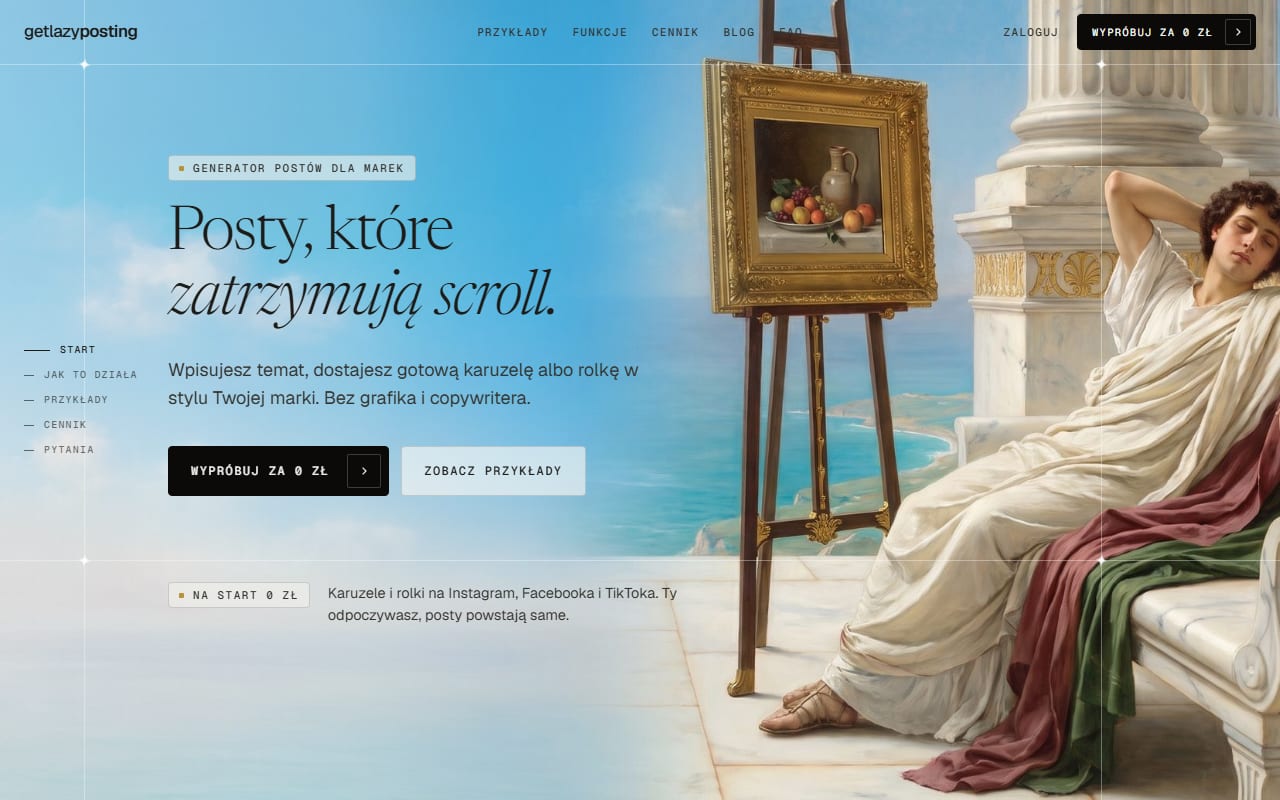
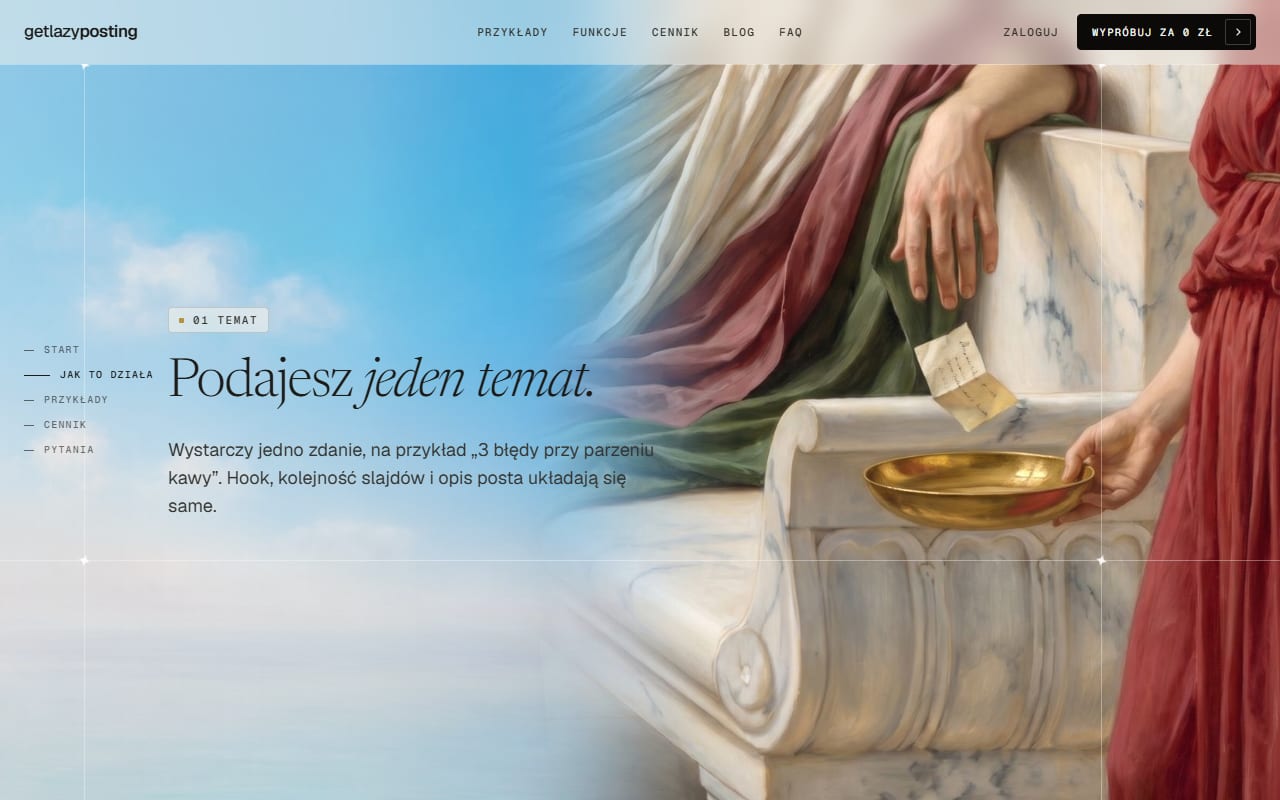
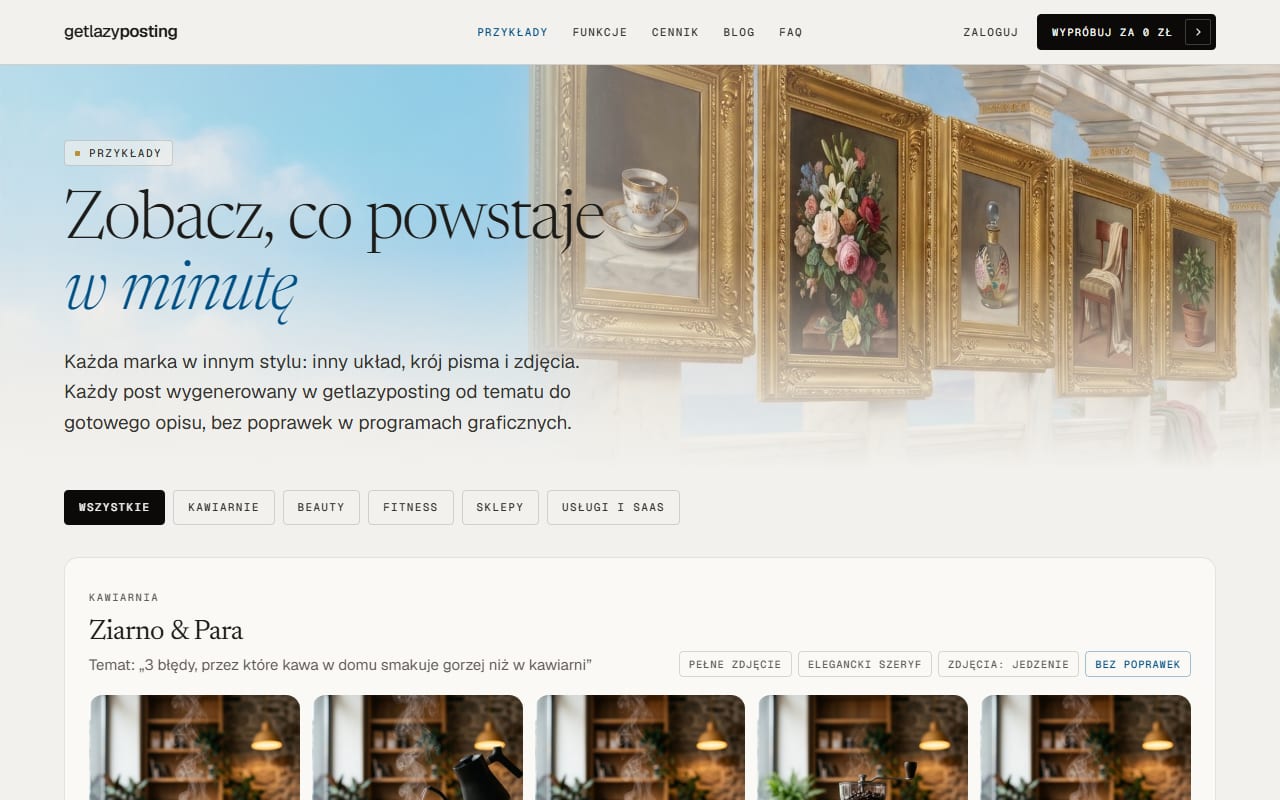

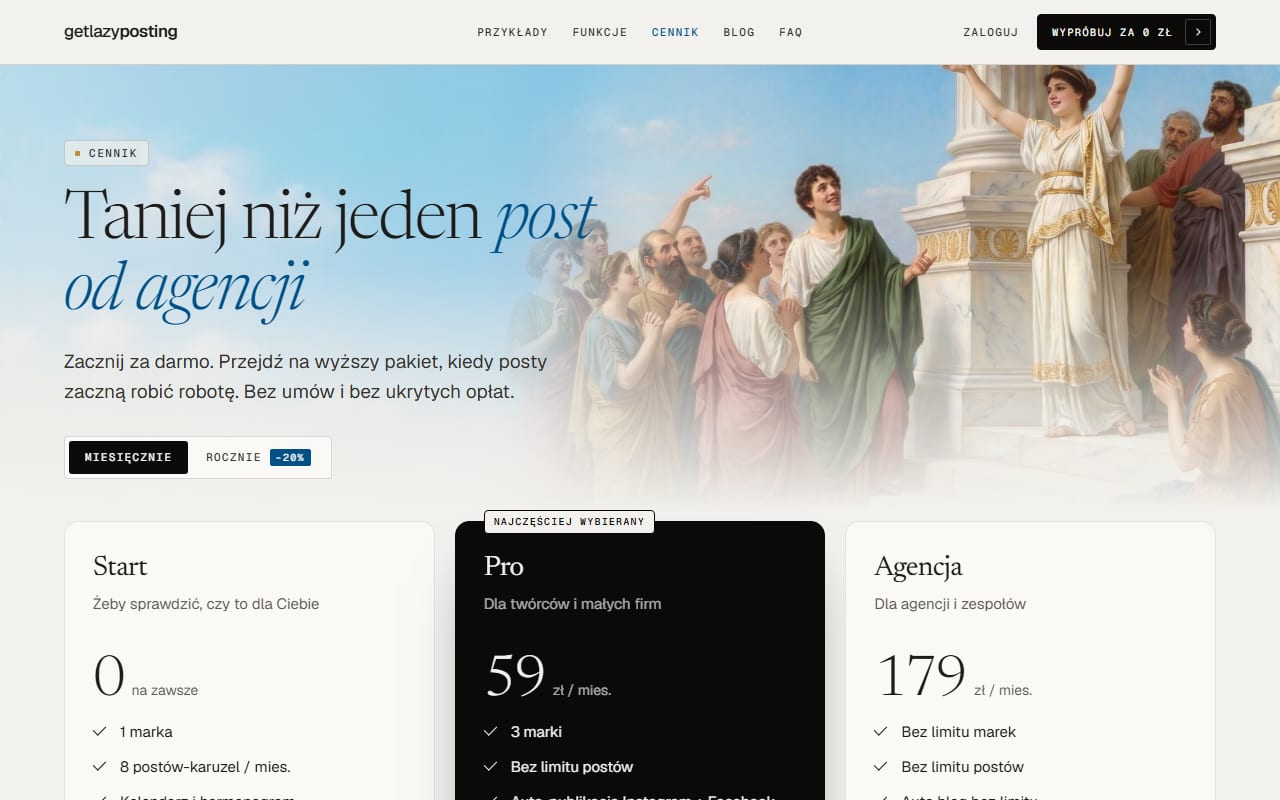
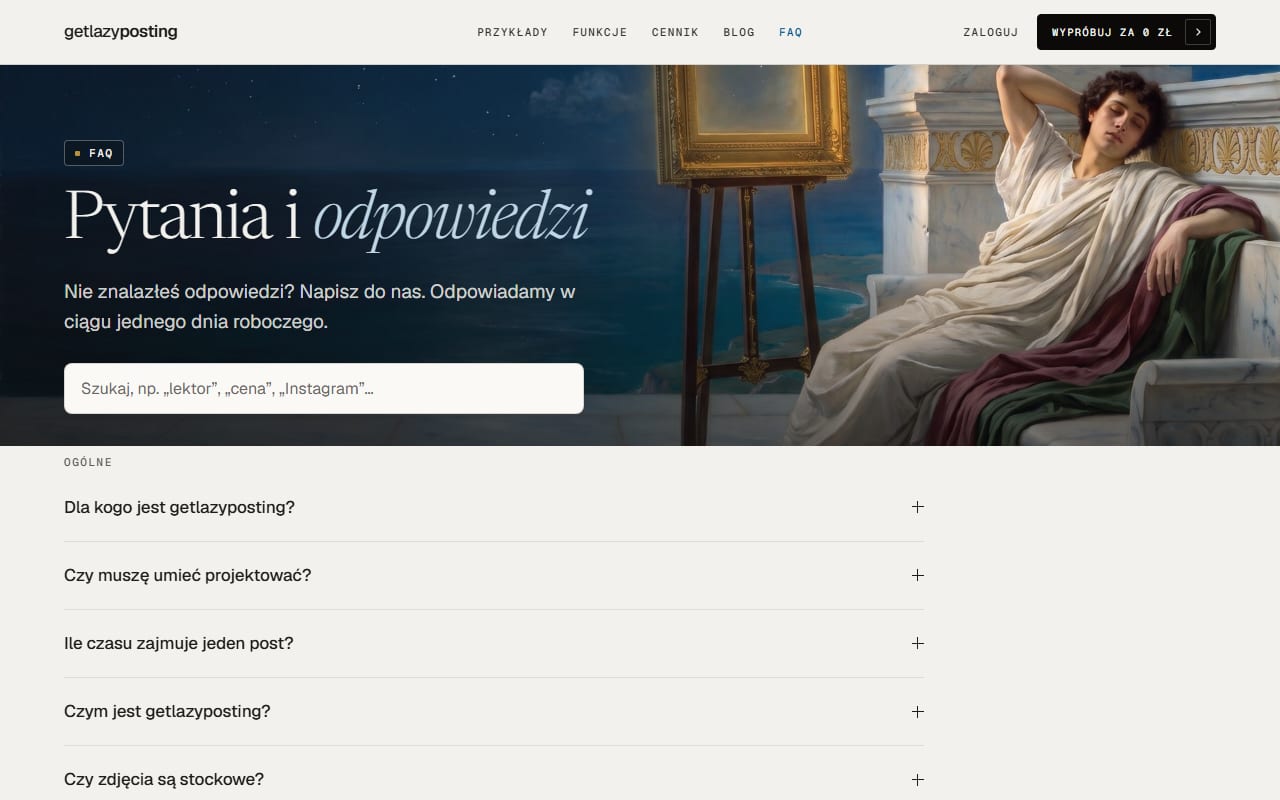




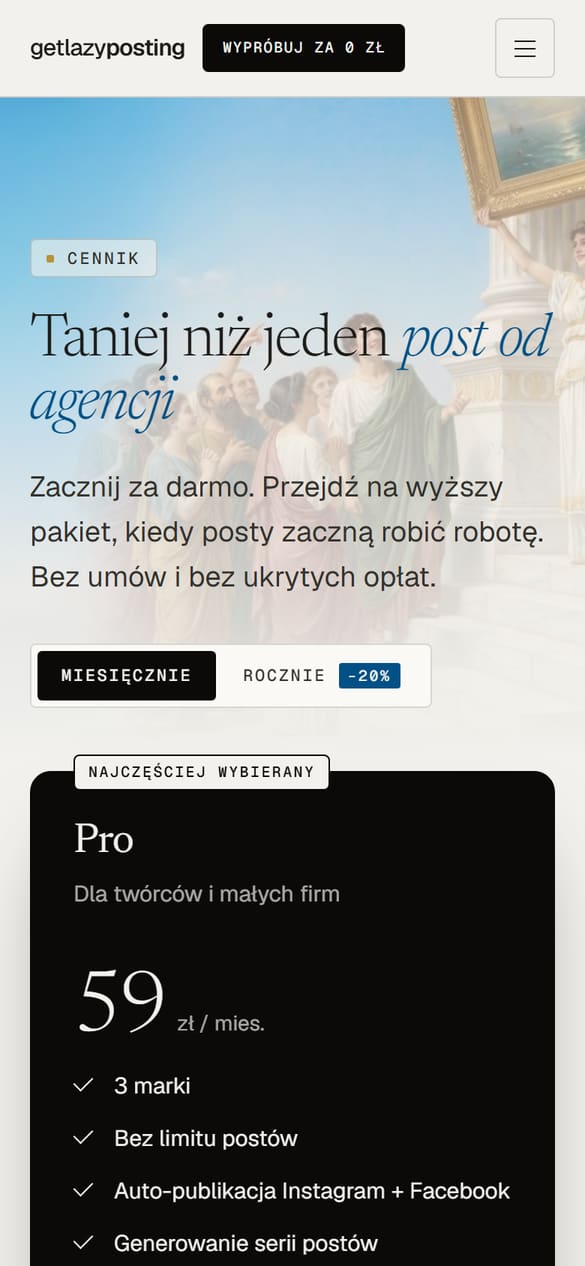
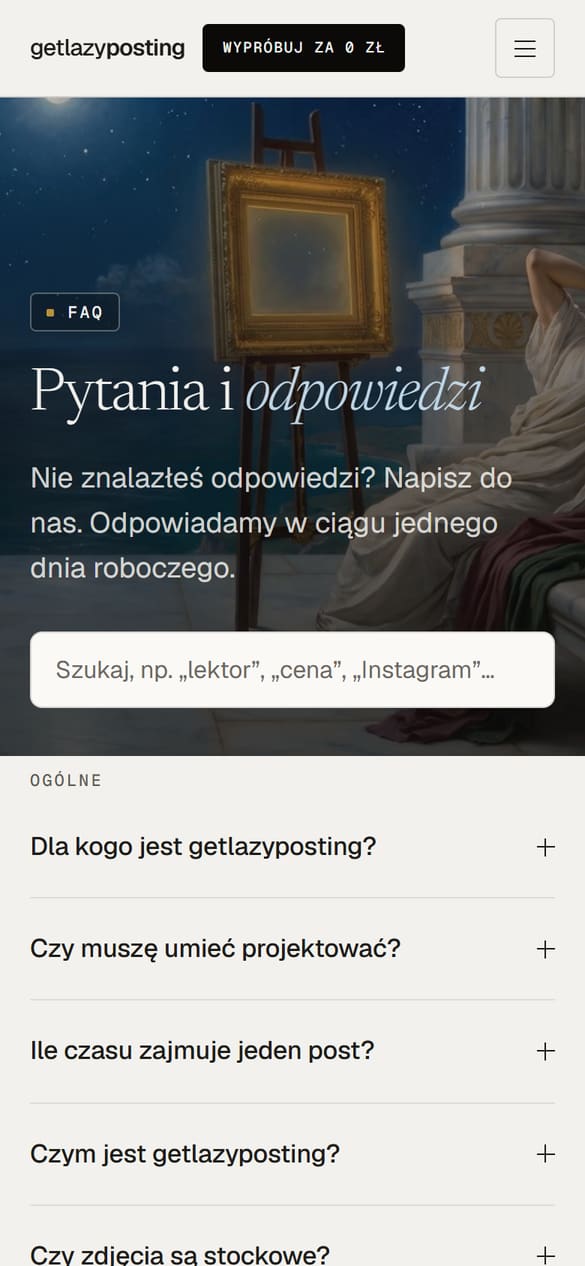
The first screen: an oil painting instead of a phone mockup, one sentence about what the product does, and the PLN 0 plan.
A similar problem to solve?
Tell us briefly what it is about. We will send a quote within 24 hours.
Ask for a quote →